
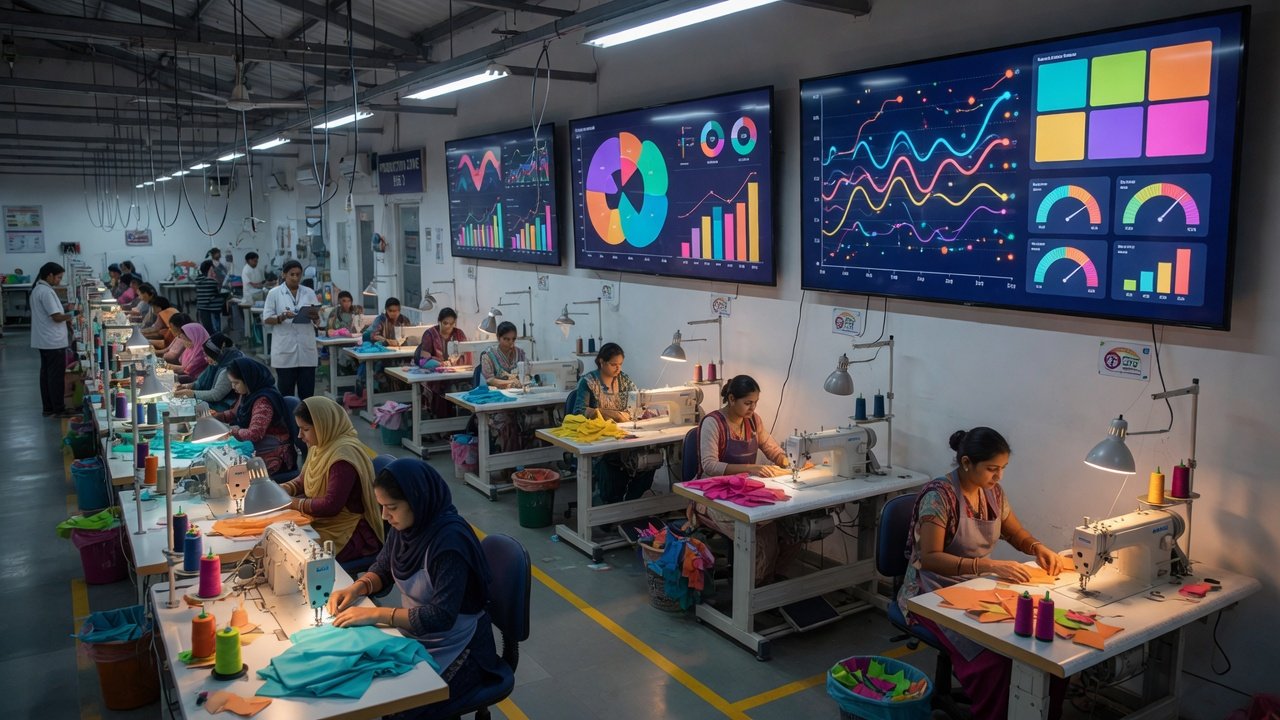
End-of-day reports explain yesterday. Live production tracking helps managers save today.
That difference sounds small. On the shop floor, it is the difference between rearranging a line at 10:30 AM and explaining a missed dispatch at 7:30 PM.
The hidden cost of late information
When production data arrives late, managers make late decisions:
- Absenteeism becomes a production excuse instead of a planning input.
- WIP piles up because nobody saw the bottleneck until finishing was overloaded.
- OTIF risk appears only when the merchandiser escalates.
- Supervisors spend the day chasing updates instead of fixing flow.
Late information does not just delay action. It creates extra meetings, extra overtime and extra rework.
What changes with live tracking
Live tracking means the factory sees planned versus actual output during the shift — not after it.
Production managers see flow, not stories
A manager should be able to answer these questions before lunch without walking every line:
- Which lines are below plan right now?
- Where is WIP building?
- Which orders moved forward and which are stalling?
- Did the last style changeover hurt the first hour?
Supervisors act on facts
Supervisors stop relying on memory and verbal handovers. They can see operator output, line balance and transfer status while the shift is still recoverable.
HR and production speak one language
Absenteeism is not only an HR report. It is a capacity number. When attendance and line loading sit in the same system, the factory stops pretending a 12% absence day is a normal production day.
Owners see delivery risk early
OTIF and order closing visibility should not wait for month-end. Live tracking shows which orders are drifting toward partial dispatch or finishing backlog.
Where the savings start
Factories usually find money in four places after live tracking starts:
- Recovered output hours — lines corrected before the shift ends.
- Lower overtime — fewer panic nights to recover missed numbers.
- Better OTIF — finishing and packing get earlier warning.
- Less management waste — fewer update meetings and manual reconciliations.
The savings are rarely from the software itself. They come from earlier decisions.
What a useful live dashboard includes
Not every screen deserves a place on the wall. A useful live setup includes:
- Active orders and line loading.
- Hourly or shift output vs plan.
- Line efficiency and bottleneck indicators.
- Attendance and operator strength.
- WIP by section.
- OTIF and dispatch risk flags.
If a metric does not lead to a decision, remove it from the live view.
Role-based visibility matters
A factory dashboard fails when everyone sees everything. Different roles need different control points:
- Owner: delivery risk, output vs plan, major line stops.
- Planner: capacity, loading, style changeover readiness.
- Supervisor: operator output, WIP, line balance.
- IE: operation bulletin, SAM, manpower need.
- HR: attendance, attrition, skill availability.
- Quality: RFT, defect recurrence, inspection backlog.
SewTrak is built around this role split so each team sees what it can act on.
How to implement without chaos
- Start with one unit or four lines.
- Track only planned output, actual output, absenteeism and OTIF risk.
- Review the live board twice per day: 10 AM and 4 PM.
- Add more screens only after supervisors use the first set consistently.
Do not begin with every KPI in the company on one page.
Common mistakes
- Entering data at day-end and calling it live tracking.
- Building dashboards nobody owns.
- Giving every manager the same screen.
- Ignoring HR and quality data in production decisions.
Navvi action: SewTrak connects planning, production entry, KPIs, HRIS, order closing and role-based access in one factory workspace. Book a demo to see the dashboard, line board and order flow in a working demo environment.